Digital level, line angles and drawing tools
ScolioMove includes practical tools that complete the documentation process.
Free for your first 3 patients. No card, no trial clock. See pricing
A digital level for orientation and tilt
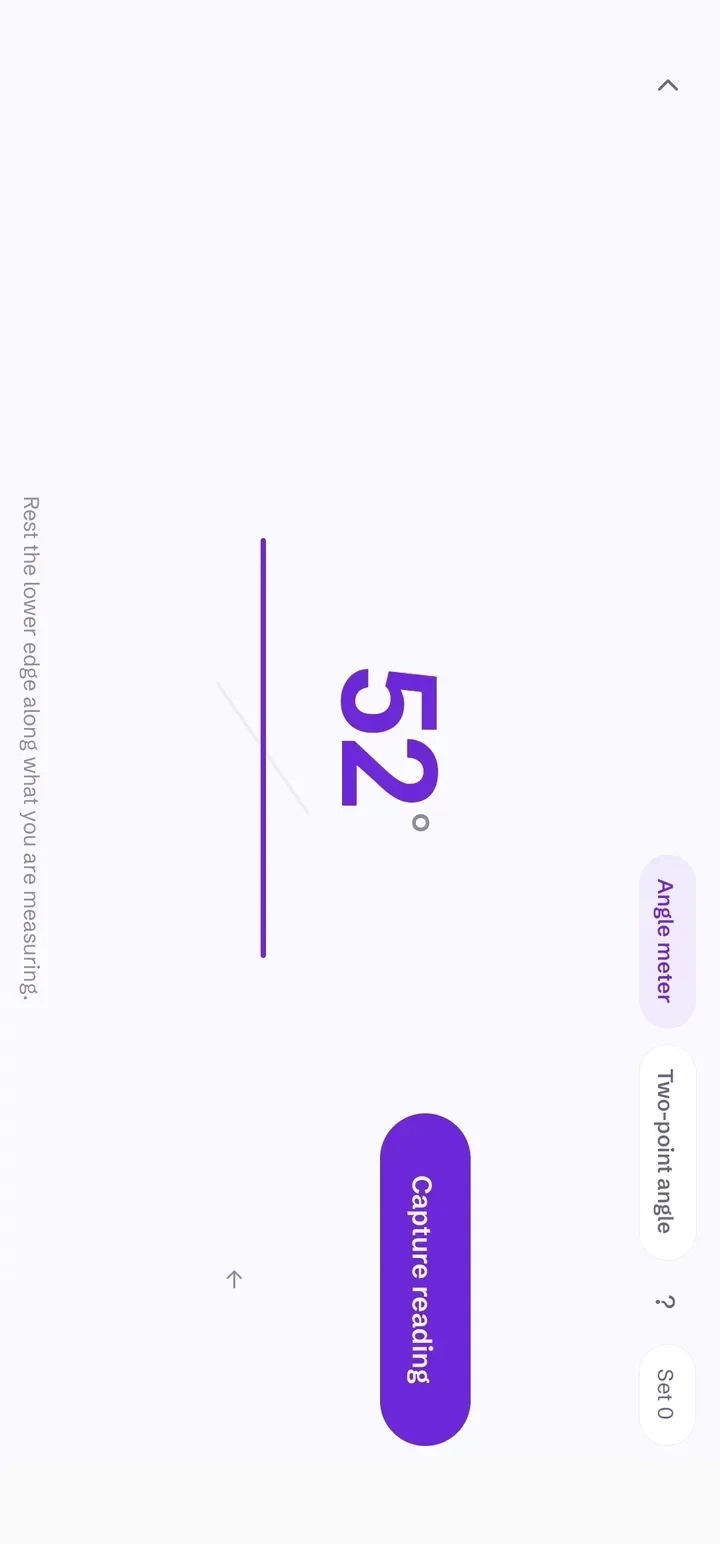
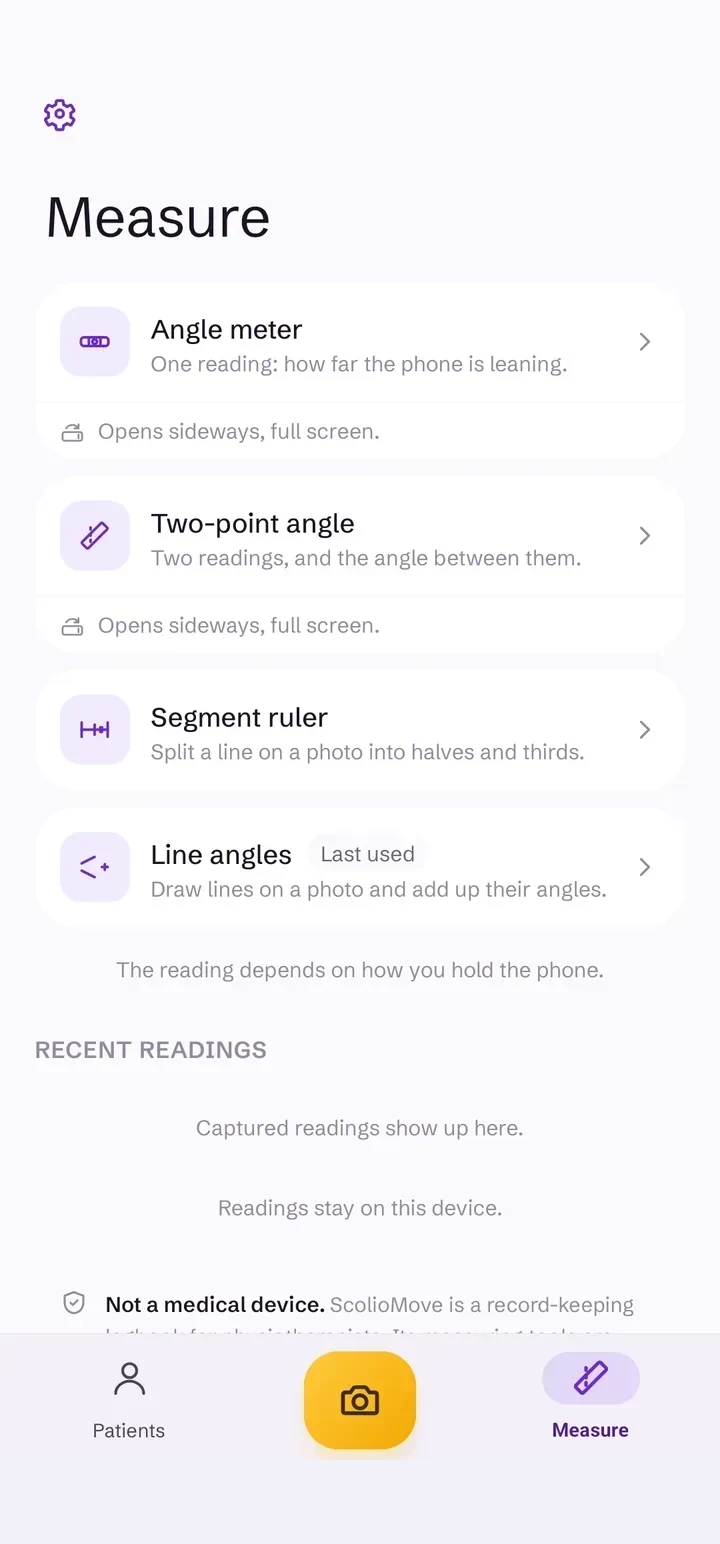
The phone becomes a level. Rest its lower edge along what you are measuring and it shows the tilt in degrees — Capture reading keeps the value.
Switch to Two-point angle to take two readings and get the angle between them.
Two lines, their angles, and the angle between them
Every line you draw on a photo shows its angle from horizontal, in degrees. Pick two and the app adds them up for you.
Where the lines go is your choice; the app only does the arithmetic — here 23.3° and 20.2°, 43.5° in total. The lines stay with the image in the person's record.
An X-ray laid over the posture photo
Place one image over another — an X-ray over the person's photo, for example — move and turn it into place, and set its opacity to see one through the other.
Your working tools, within reach.
Everything is designed to keep your tools at hand, without constantly switching from one app to another.
Readings depend on how the phone is held and how the image was taken. The tools are not clinical measurements: they report a value for your own notes and do not screen, diagnose or recommend treatment.
Frequently asked questions
No. ScolioMove is a record-keeping logbook for physiotherapists. Its angle tools are measuring helpers for your own notes — the app does not screen, diagnose, or recommend treatment. It documents the clinical decisions you make; it does not make them.